
Put your rent to work
Your biggest monthly payment should help build your credit history. Property Copilot reports your rent-payment history to Equifax Canada, giving the rent you pay a place on your credit file.
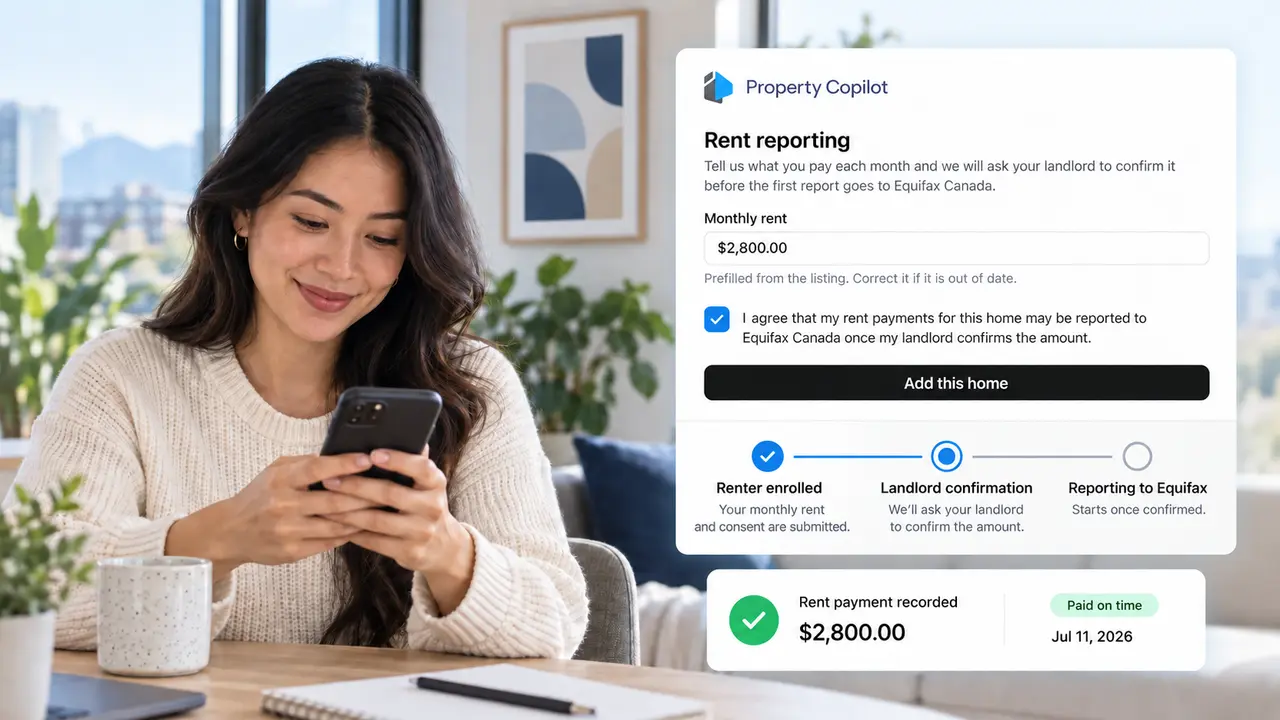
You can pay rent on time for years and have nothing to show for it
Rent is often a renter’s biggest monthly payment, but it does not automatically appear on their credit file. Without rent reporting, years of payment history can remain invisible.
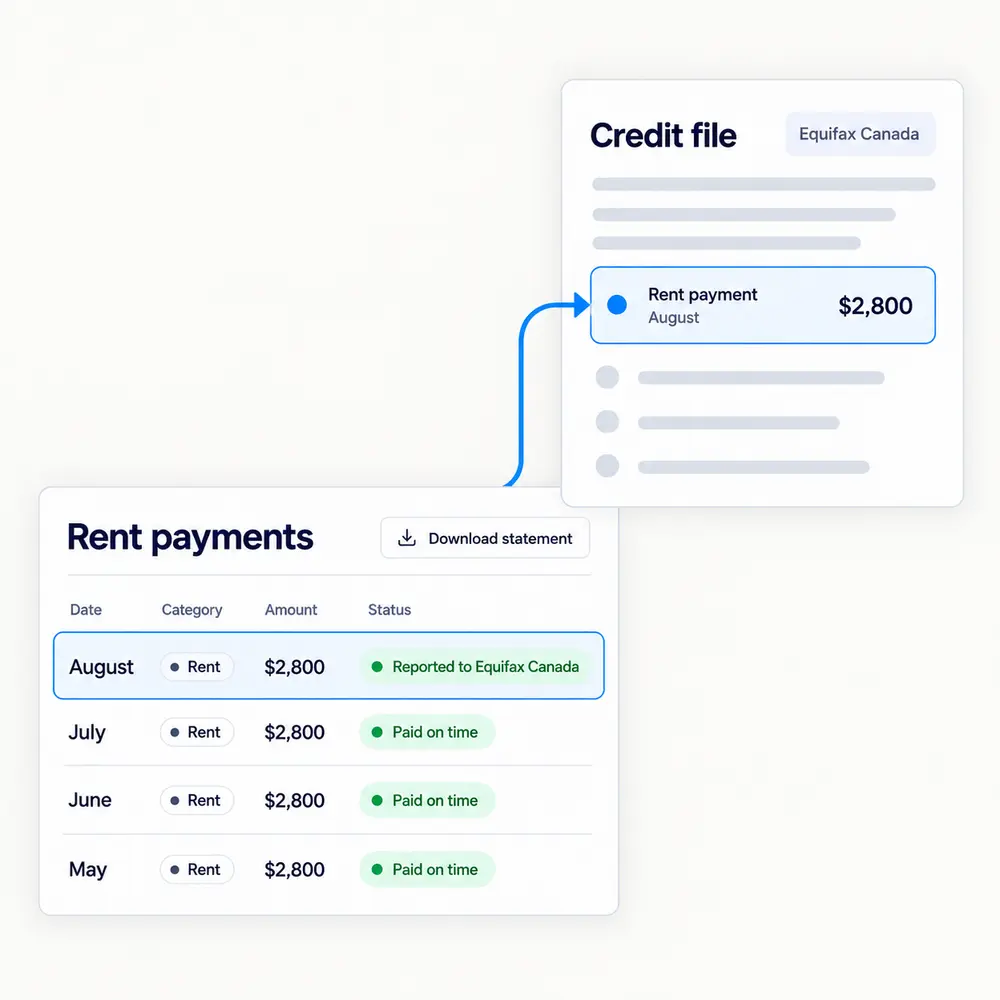
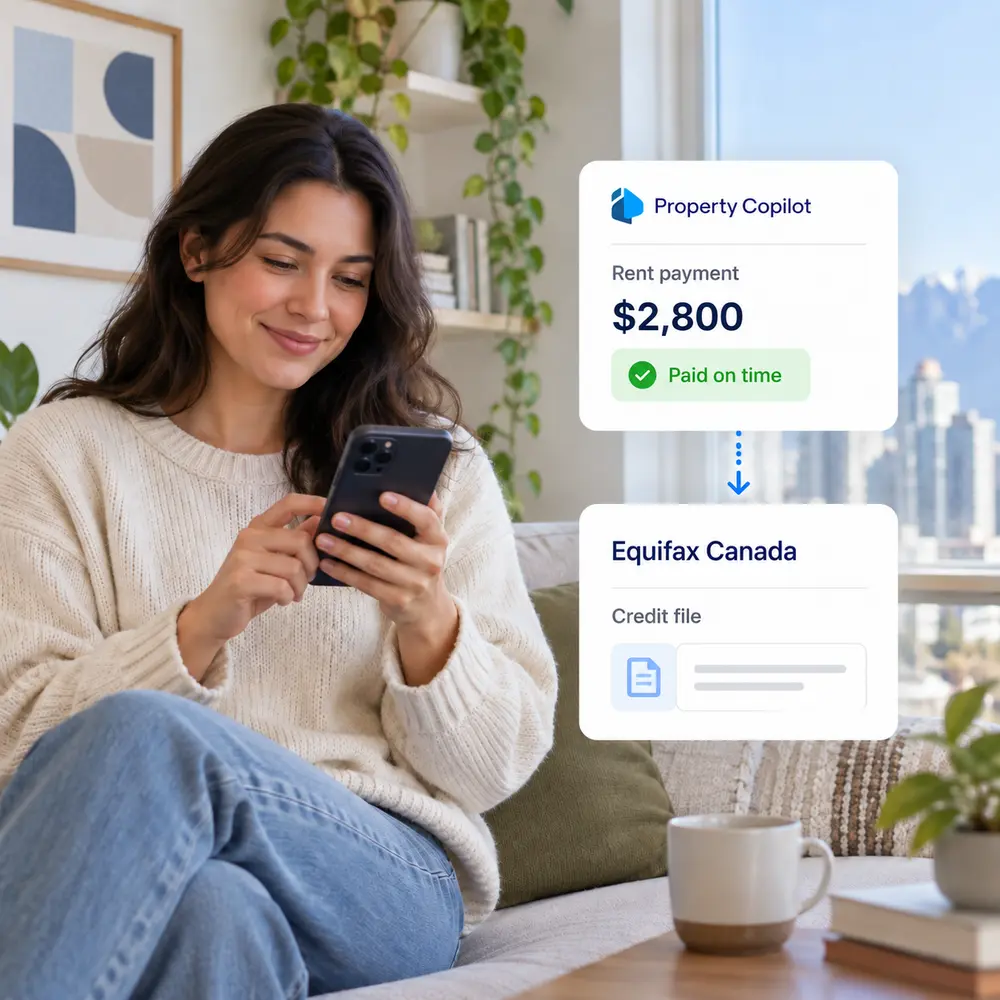
Property Copilot gives that history somewhere to go. Once a renter opts in, their recorded rent payments are reported monthly to Equifax Canada and become part of their credit profile.
Give tenants another reason to pay on time
When rent payments become part of a renter’s credit history, paying on time carries more weight. Property Copilot lets you offer that benefit without changing how rent is collected.
No cost to you
The renter pays the $5 monthly subscription. There is no charge to the landlord or property manager.
Renters choose to participate
Renters opt in and provide consent. You simply confirm the tenancy and monthly rent before reporting begins.
Offer a benefit renters ask for
Give renters a practical way to build credit history using a payment they already make. This is especially meaningful for newcomers, younger renters, and anyone establishing Canadian credit.
Build credit without taking on more debt
Credit history is usually built through credit cards and loans. Rent reporting gives you another option by adding a payment you already make every month to your Equifax credit file.
Once enrolled, the payment status recorded by your landlord is reported monthly. This can be especially useful if you are new to Canada, building credit for the first time, or rebuilding your credit history.
Use the rent you already pay
No new loan, credit card, or additional debt is required.
Build Canadian payment history
Your monthly rent-payment status becomes part of the information reported to Equifax Canada.
Build your history over time
Your first report typically appears within about 30 days, with payment history developing as monthly reporting continues.
From opt-in to Equifax in 4 steps
A simple flow from consent to monthly reporting.
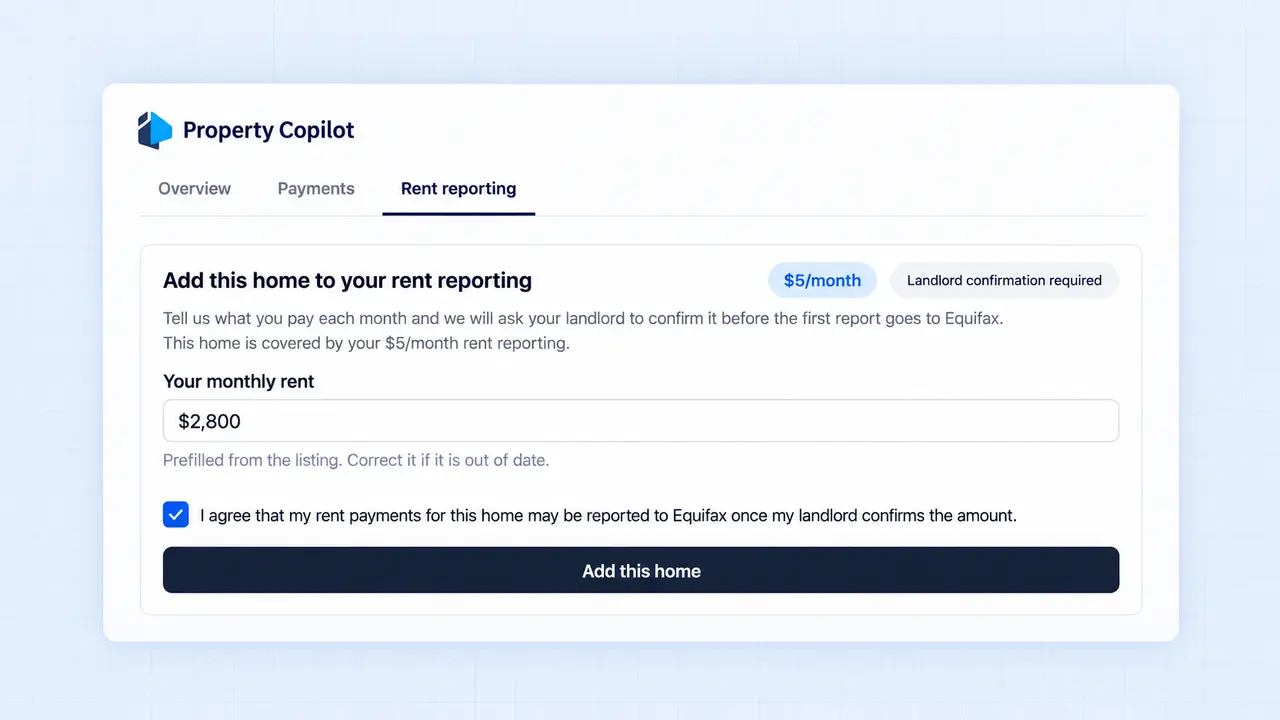
Renter enrolls and gives consent
The renter opts in, provides consent for reporting, and subscribes for $5 per month.
Step 2: You confirm the rental details
The landlord or property manager confirms the tenancy and monthly rent amount before reporting begins.
Step 3: You record the payment status
Each month, record whether the rent was paid on time, paid late, or missed in Property Copilot.
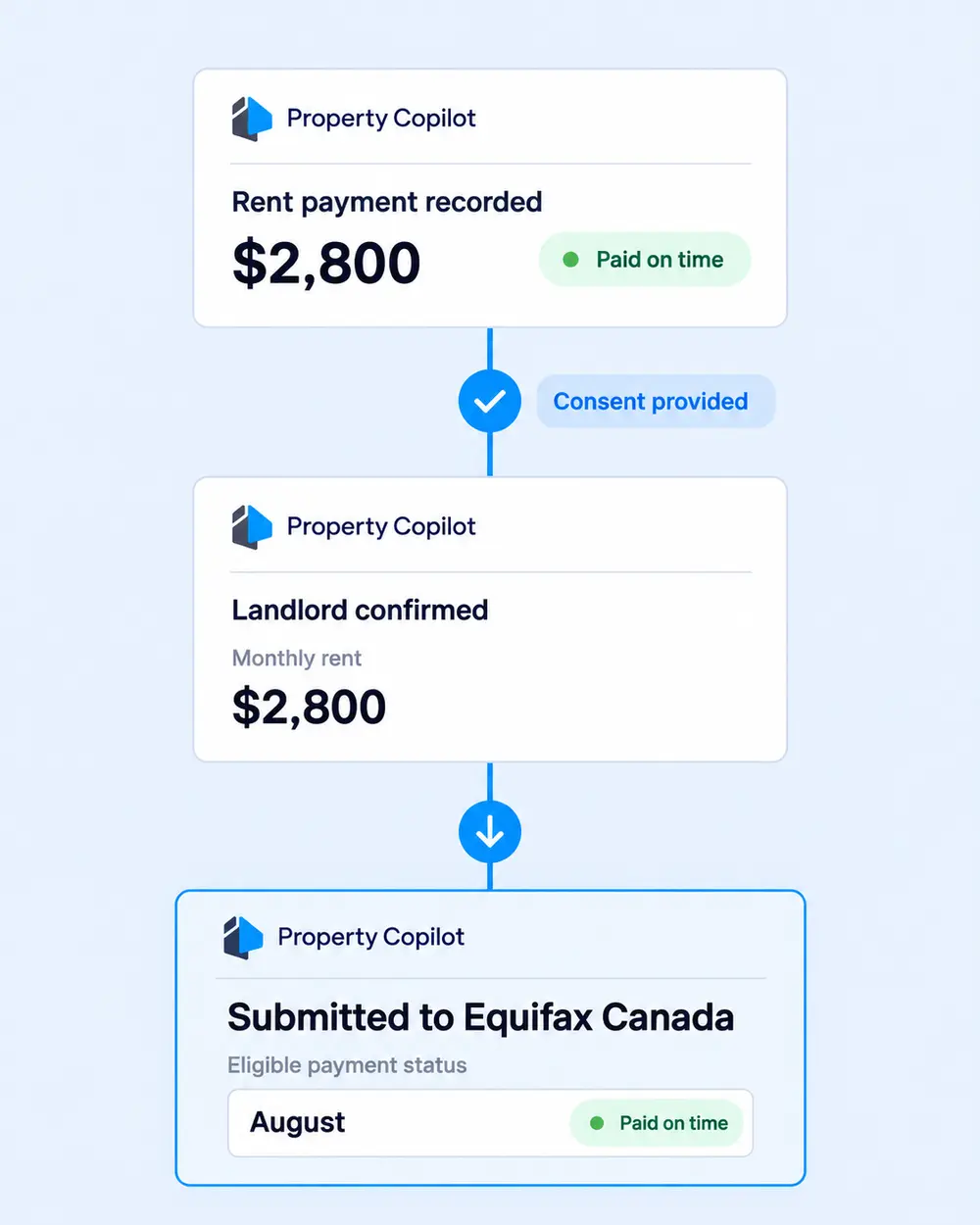
Property Copilot reports to Equifax
Eligible payment history is submitted to Equifax Canada each month, where it can contribute to the renter’s credit history over time.
Know what you’re signing up for
Rent reporting is optional, transparent, and based on the payment status recorded each month. Here’s what renters and housing providers should know before it begins.
Rent reporting only begins after the renter chooses to participate and provides consent. Before enrolling renters see the monthly cost and rent amount.
The renter pays $5 per month. There is no cost for the landlord or property manager to offer rent reporting.
Property Copilot submits the renter’s identifying information, tenancy details, and recorded payment status needed for reporting to Equifax Canada.
The landlord or property manager is responsible for keeping the monthly payment record accurate. Property Copilot reports the information as recorded.
The renter can cancel at any time. Cancellation stops future reporting but does not remove payment history already reported to Equifax.
No. Reported rent can contribute to a renter’s credit history, but it does not guarantee a credit-score increase, loan approval, or any other credit outcome.
FAQs
Answers to common questions about eligibility, reporting timelines, and payment records.
Renters with an eligible active tenancy in Property Copilot can enroll. Their landlord or property manager then participates in monthly payment reporting.
The first report typically appears within about 30 days. Payment history develops as new rent-payment statuses are reported each month.
The payment status recorded by the landlord or property manager is reported for that month. Rent reporting includes positive and negative payment history.
The renter should contact their landlord or property manager to dispute the record and request a correction. Property Copilot reports the payment status entered in the platform.
Offer rent reporting at no cost to you
Give renters a way to build their credit history through the rent they already pay. Renters subscribe for $5 per month, while landlords and property managers can start offering it for free.